Promo Image Creator
Create clean, eye-catching promo images for your property in minutes. Upload a photo, add your title, location, contact details, and a short message—then choose a visual style and export ready-to-post images for social media and web.
Promo Images in Short-Term Rentals: Turning Clicks into Bookings
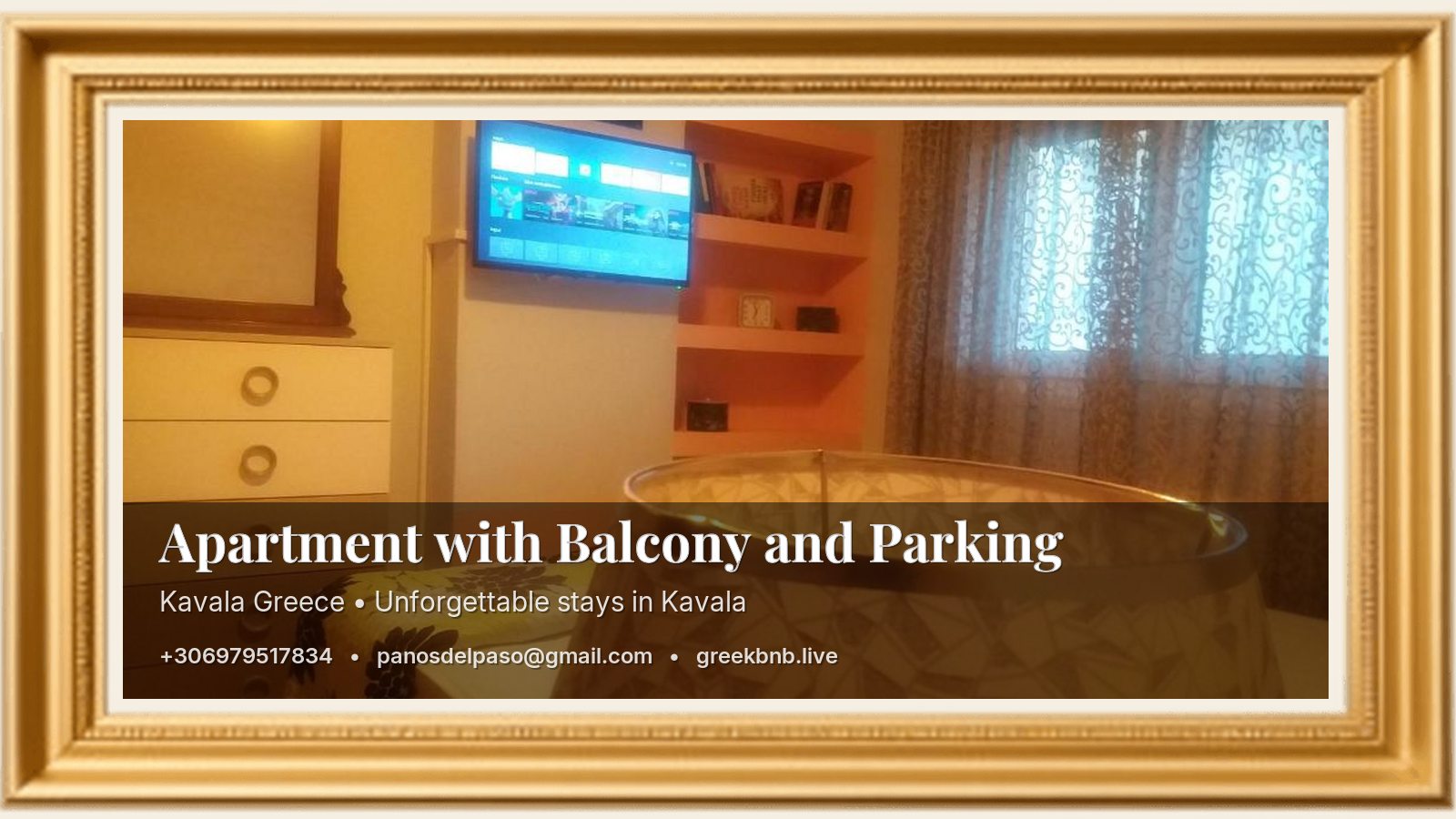
In the highly competitive world of Airbnb and Booking.com, standing out is no longer optional. A standard room photo shows where the guest will stay. A strategically designed Promo Image shows how they will feel—and gives them a clear way to book directly, reducing dependence on platform commissions.
1) Your Property’s Identity at a Glance
When promoting on social media, your title (e.g. “Acropolis View Urban Suite”) and your location work as instant filters. Travelers want to know immediately if your place is central, well connected, or close to key attractions. Displaying the location on the image saves time and attracts higher-quality inquiries.
2) Direct Booking: The Road to Profitability
Platforms charge meaningful fees. A Promo Image that includes your Website, Email, and Phone number encourages direct bookings, makes it easy to ask for clarifications or special offers, and builds a relationship before arrival.
3) A “Digital Business Card” for Mobile Travelers
Travelers often take screenshots of properties they like. If your Promo Image has your contact details in the footer, that screenshot becomes a saved advertisement that can convert even months later—because your information remains in their gallery.
4) Trust & Professionalism
Consistent branding with a logo and clear contact details signals credibility. Guests feel safer booking with a host who looks professional, not improvised—and that perception directly affects conversion.
The takeaway: A Promo Image is not just a pretty visual. It is a conversion asset that makes your listing memorable, your offer clear, and your contact path frictionless.
The Anatomy of the Perfect Promo Image
- Main Photo: Your unique selling point (view, balcony, design, kitchen, bedroom aesthetic).
- Listing Title: A memorable name (e.g. “Blue Horizon Apartment”).
- Location: Specific and meaningful (e.g. “Historic City Center”, “5 minutes from the port”).
- Footer Contact Details: Phone (fast support), Email (formal inquiries), Website (direct booking + more photos).
Photography Tips for High-Converting Promo Images
1) Light Is Everything (Golden Hour Rule)
- Natural Light: Open shutters and curtains. Avoid harsh midday sun with strong shadows.
- Golden Hour: The warm, soft light before sunset is ideal for terraces, balconies, and view shots.
- Warm Lamps On: Even during the day, turn on table lamps to create a cozy “home” feel.
2) Space Preparation (Staging)
- Hotel-level finish: Ironed sheets matter; wrinkles signal carelessness.
- Remove personal items: Hide cables, remotes, cleaning products, bins, toothbrushes.
- Create a scene: Coffee cups, fresh fruit/flowers, neatly folded towels (“spa feel”).
3) Angles & Technique
- Shoot from corners: Adds depth and makes spaces appear larger.
- Lower the camera: Chest/waist height often looks more premium than eye level.
- Keep vertical lines straight: Tilted walls subtly reduce trust and perceived quality.
4) Details Matter (Macro Shots)
Don’t rely only on wide shots. Guests love details that signal quality: a branded coffee machine, a welcome treat, or the texture of premium fabrics and décor.
5) Outdoor Spaces & Neighborhood
- First impression: Show an attractive entrance or façade if you have it.
- The “bonus”: If you are close to a landmark, include a real photo. Guests also buy the location.
Extra tip: For the main Promo Image (the one with title and contact), pick the photo that highlights your strongest feature: the view if you have it, or the best-designed interior area if that is your advantage.
Promo Image Dimensions per Platform
Instagram (Visual Impact)
- Feed Square: 1080 × 1080 px
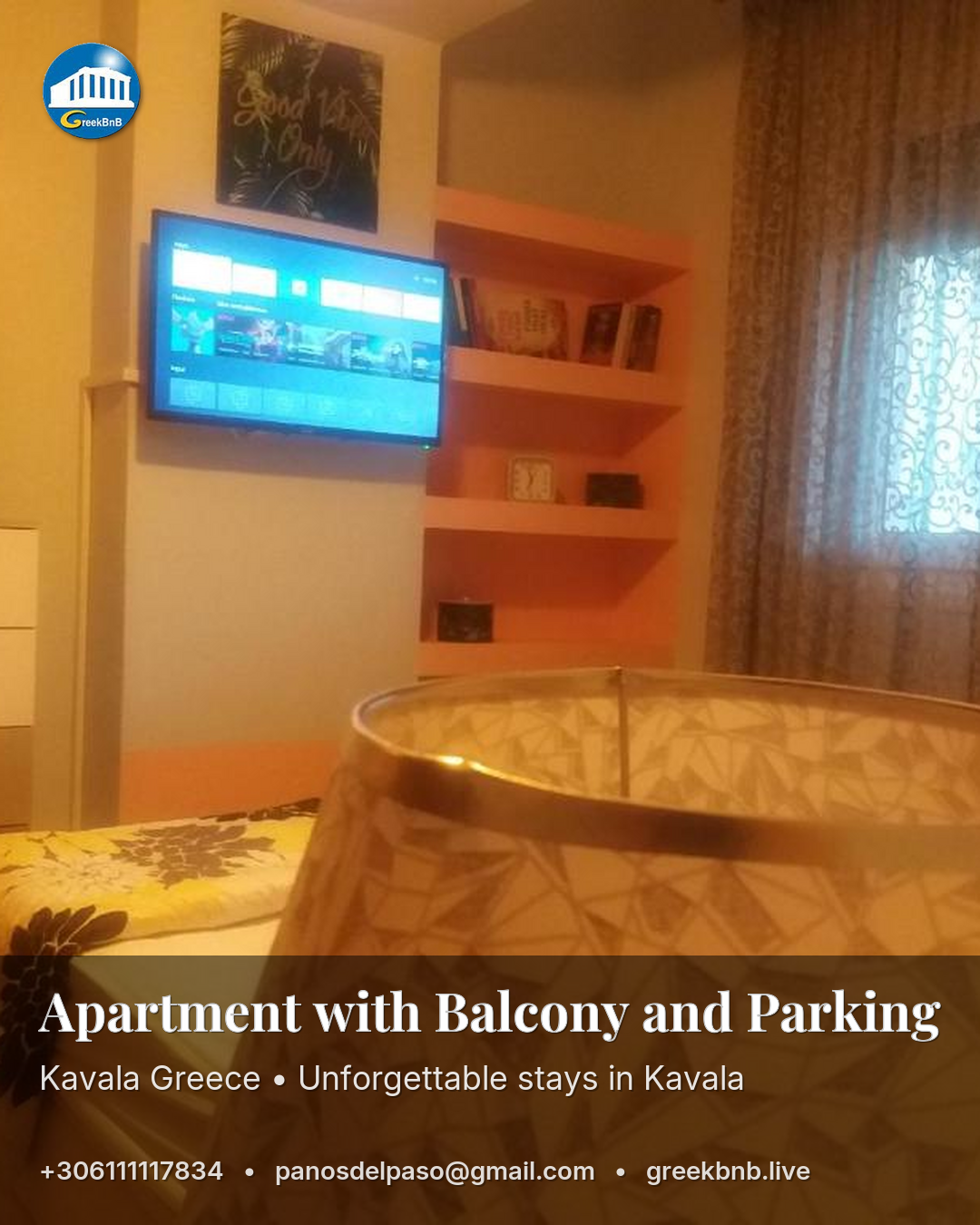
- Feed Portrait: 1080 × 1350 px (best for conversions)
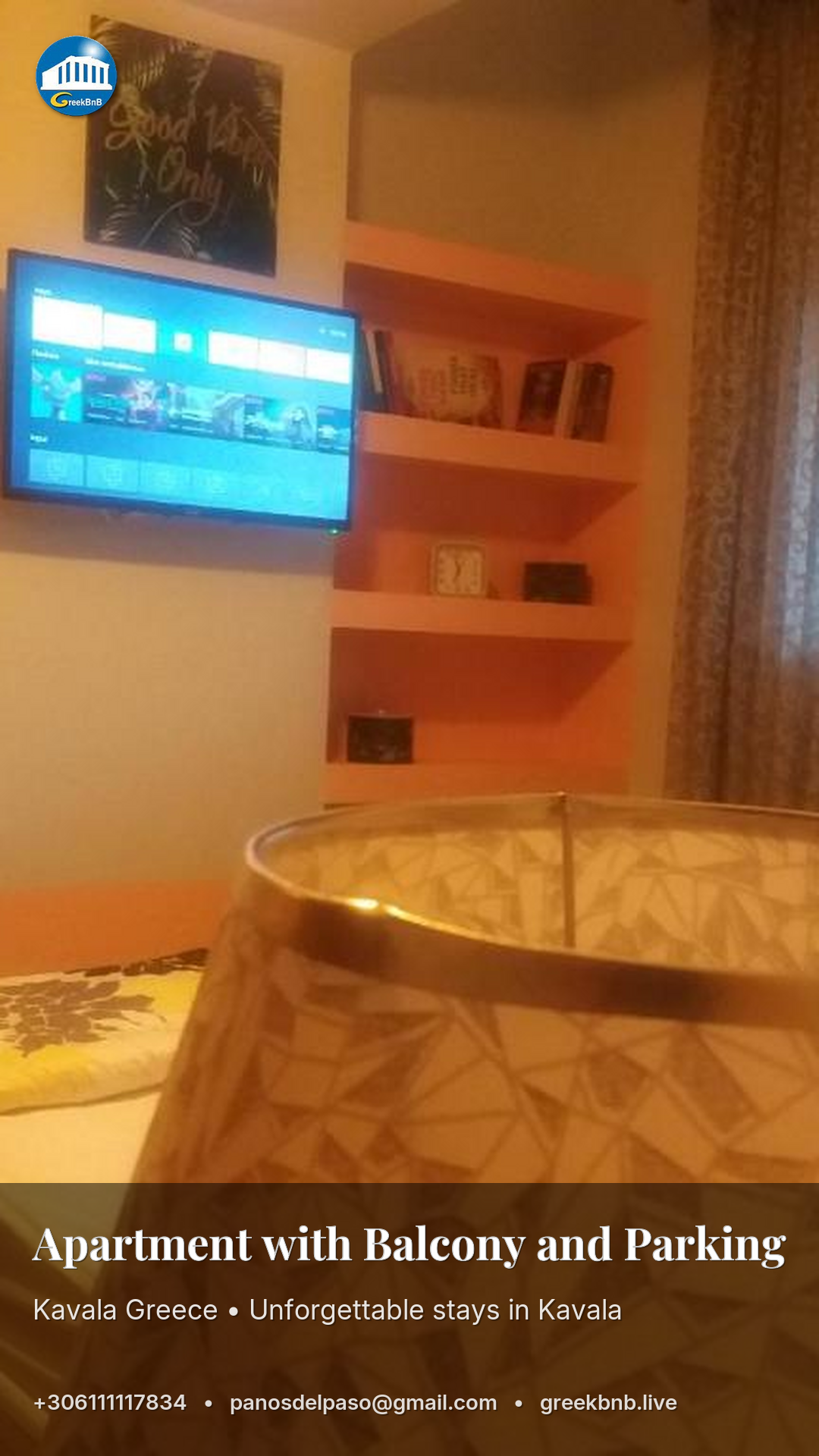
- Stories/Reels: 1080 × 1920 px
- Safe Zone: Keep important text roughly 250px away from top & bottom
Facebook (Clicks & Ads)
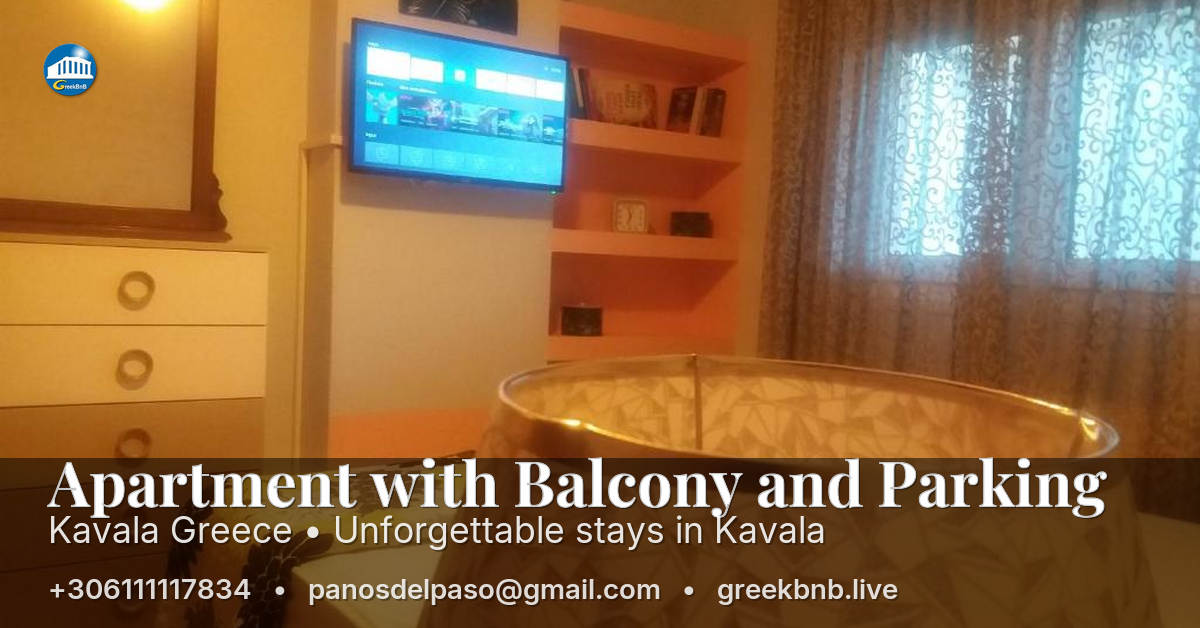
- Feed Image Ad: 1200 × 628 px
- Carousel: 1080 × 1080 px (each card)
- Event Cover: 1200 × 628 px
YouTube (Attention)
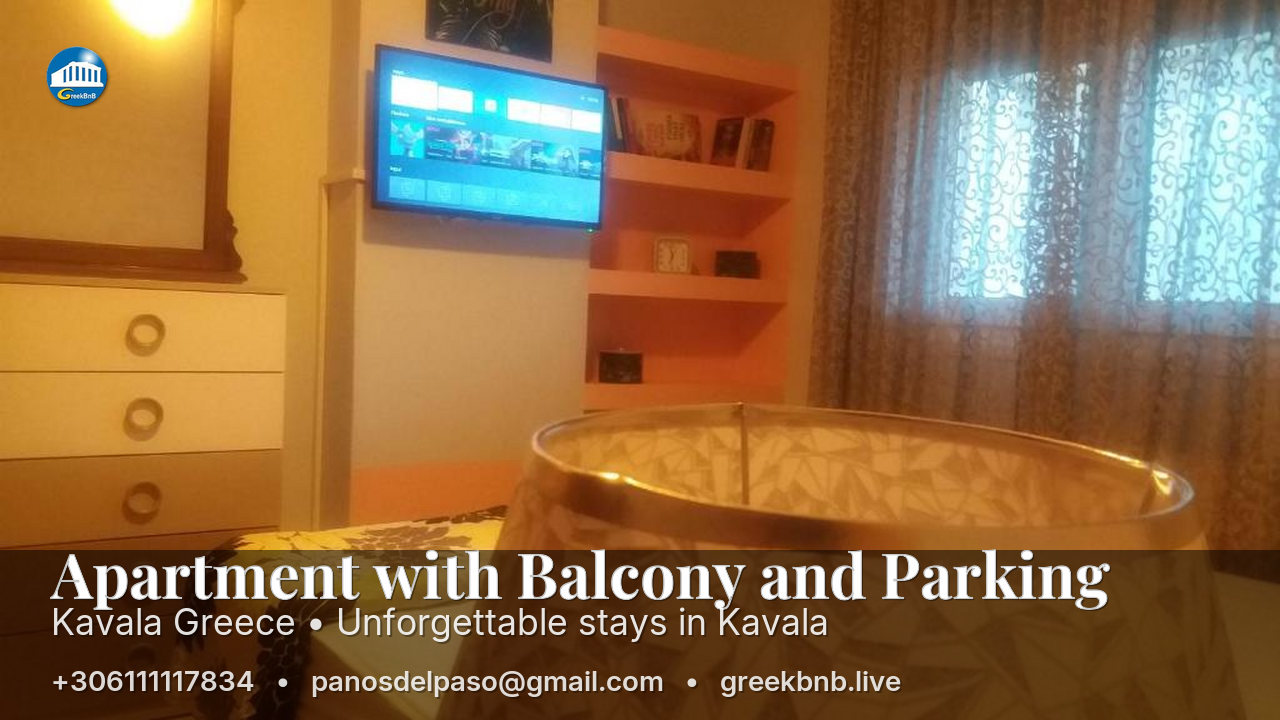
- Video Thumbnail: 1280 × 720 px
- Community Post: 1080 × 1080 px
- Display Ads (Sidebar): 300 × 250 px
TikTok (Vertical & UGC Style)
- In-Feed: 1080 × 1920 px
- Profile Link Preview: 1200 × 628 px
LinkedIn (Professional Audience)
- Single Image Ad: 1200 × 627 px
- Sponsored Square: 1080 × 1080 px
- Spotlight Ads: 300 × 250 px
Website (Conversion-Focused)
- Hero Banner: 1920 × 600 px to 1920 × 1080 px
- Sidebar Banner: 300 × 300 px or 336 × 280 px
- Top Floating Bar: 1920 × 50–100 px
Quick Size Cheatsheet
| Use Case | Size (px) | Ratio |
|---|---|---|
| Universal Mobile Promo | 1080 × 1350 | 4:5 |
| Stories / TikTok | 1080 × 1920 | 9:16 |
| Classic Web / Facebook Banner | 1200 × 628 | 1.91:1 |
| YouTube Thumbnail | 1280 × 720 | 16:9 |
Example images